trading
Order types
Market, Limit, Stop, StopLimit, Trailing, OCO — what each one does and when to reach for it.
Spectra supports the six order types serious desks actually use. All default to paper trading; flipping to live requires a typed-phrase confirmation per account.
Market
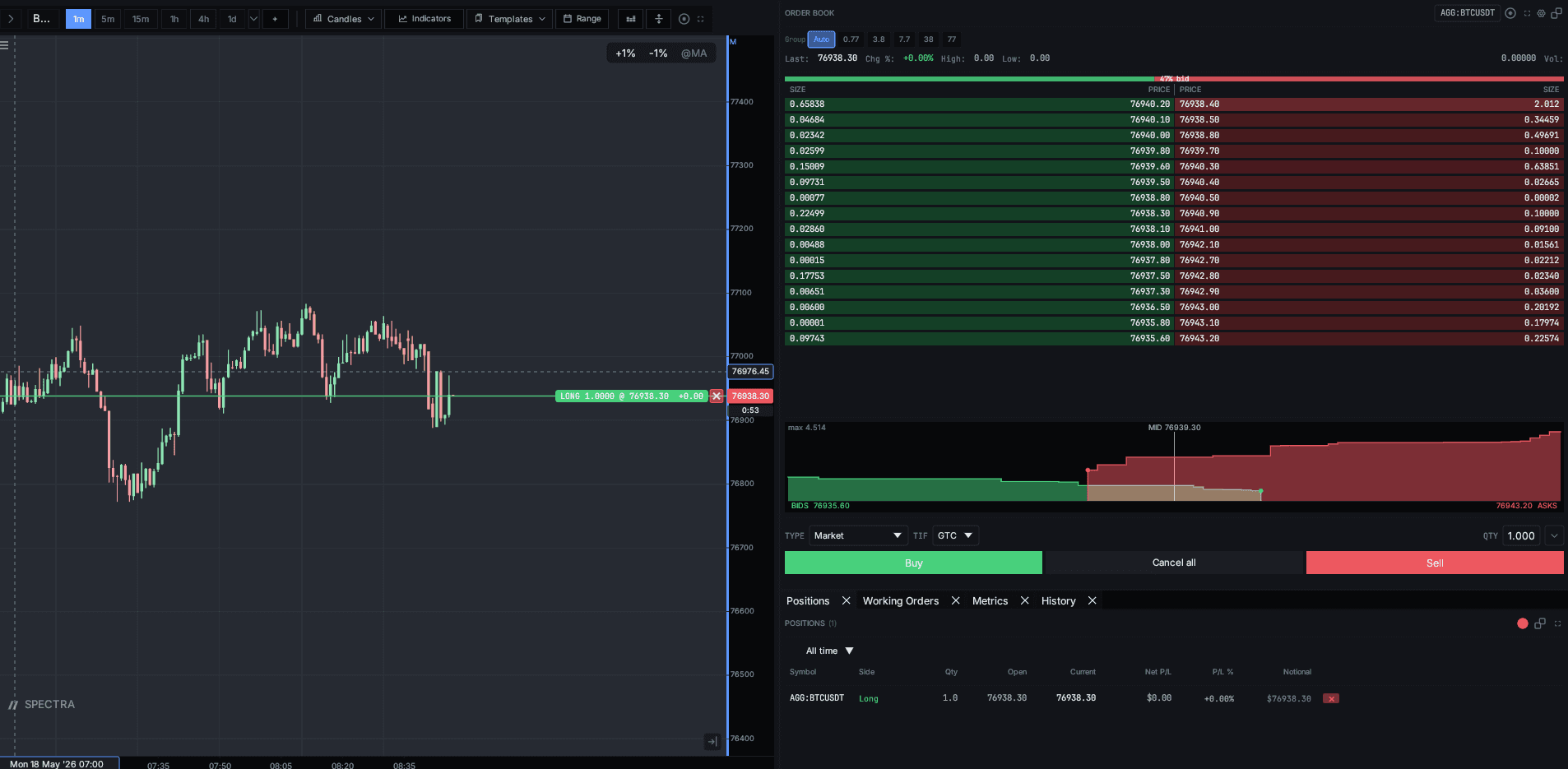
Submits at the best available price. Used for entries when fill certainty matters more than fill quality.
Limit
Posts at a chosen price (or better). Used for entries on liquidity that you want to be the liquidity at.
Stop
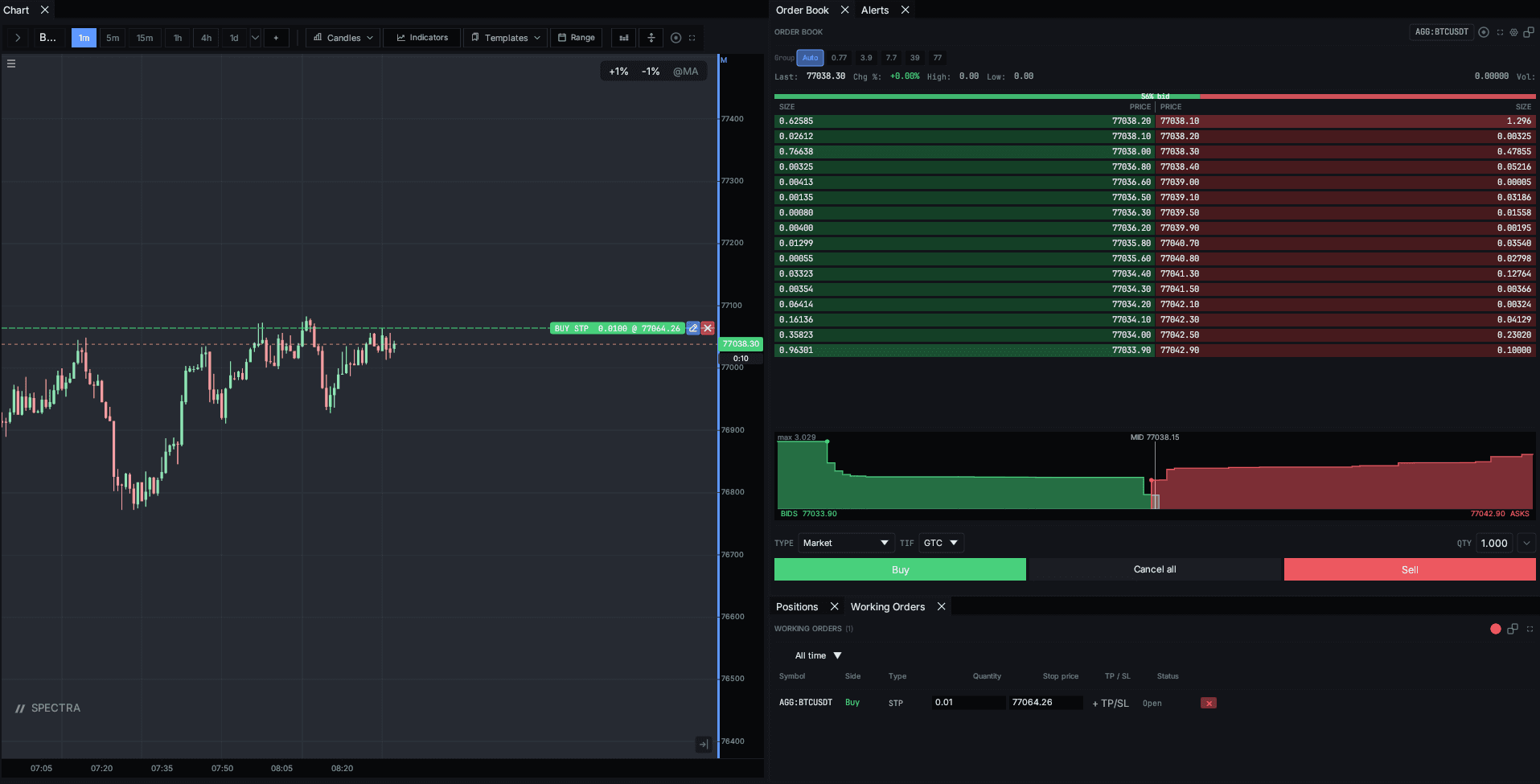
Triggers a market order when price crosses the stop level. Standard exit mechanism — protect a position from running against you.
Stop-Limit
Triggers a limit order when price crosses the stop level. Avoids slippage in volatile gap-throughs but accepts the risk that the limit won't fill.
Trailing Stop
A stop that moves with price by a fixed offset (in points or basis points). Locks in profit while letting the move run.
OCO (One-Cancels-Other)
A pair of orders where filling one cancels the other. Standard bracket: take-profit limit + stop-loss stop attached to an open position.
Submission flow
Every order ticket previews fill model, commission, and worst-case slippage before submission. Live orders also pop the typed-phrase confirmation: type "live" to send.
 BeforeAfter