
workspaces
Saved layouts
Save, name, share, and snap back to workspace layouts. Per-workspace and per-symbol.
A layout is the docking arrangement plus per-panel state (chart symbol, timeframe, indicators). Spectra autosaves continuously and lets you snap back to named checkpoints.
 BeforeAfter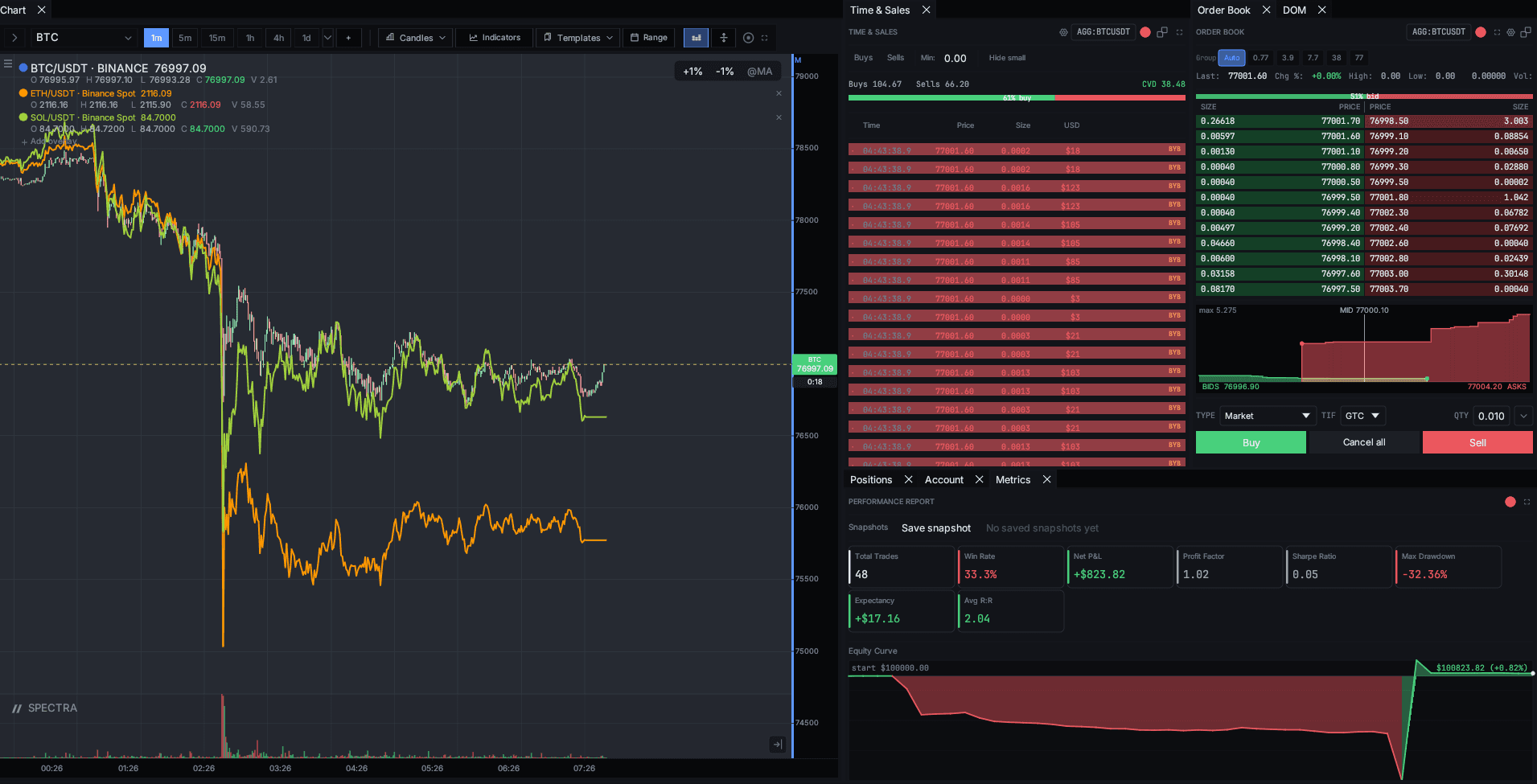
Autosave
The active layout is persisted on every meaningful change (panel add/remove, chart switch, indicator add). Closing the app preserves the current layout — you re-launch into exactly what you left.
Named layouts
Workspace → Save layout as… snapshots the current arrangement under a
name. Listed under Workspace → Load layout.
Common patterns:
- Pre-market — daily/4h charts, no DOM, scanner active.
- Open — 1m/5m on the active symbol, DOM ladder docked.
- Power hour — same as Open but with the alerts panel pinned.
Switching a named layout doesn't lose your current state — Spectra
saves the in-flight one as unsaved automatically.
Per-symbol layouts
Profile → Workspaces → Per-symbol layouts. When enabled, switching symbol on a linked chart loads the layout that symbol last had — useful when BTC always wants footprint and AAPL always wants candlestick.
Sharing
Layouts export as JSON (Workspace → Export layout). Share with a
teammate, paste into their Import dialog. Indicator settings travel
with the export, but symbols collapse to the last-known one if your
teammate doesn't have data for it.
Pro
Cloud sync (Pro) mirrors layouts across your devices. The same named checkpoints appear on macOS, Windows, and Linux installations of the same account.